
Ask the way you would ask a colleague
Agent is a conversation that looks up your workspace's data to answer. Ask "Why are we not mentioned for this topic?" or "What changed since last month?" in plain words, without hopping between screens.
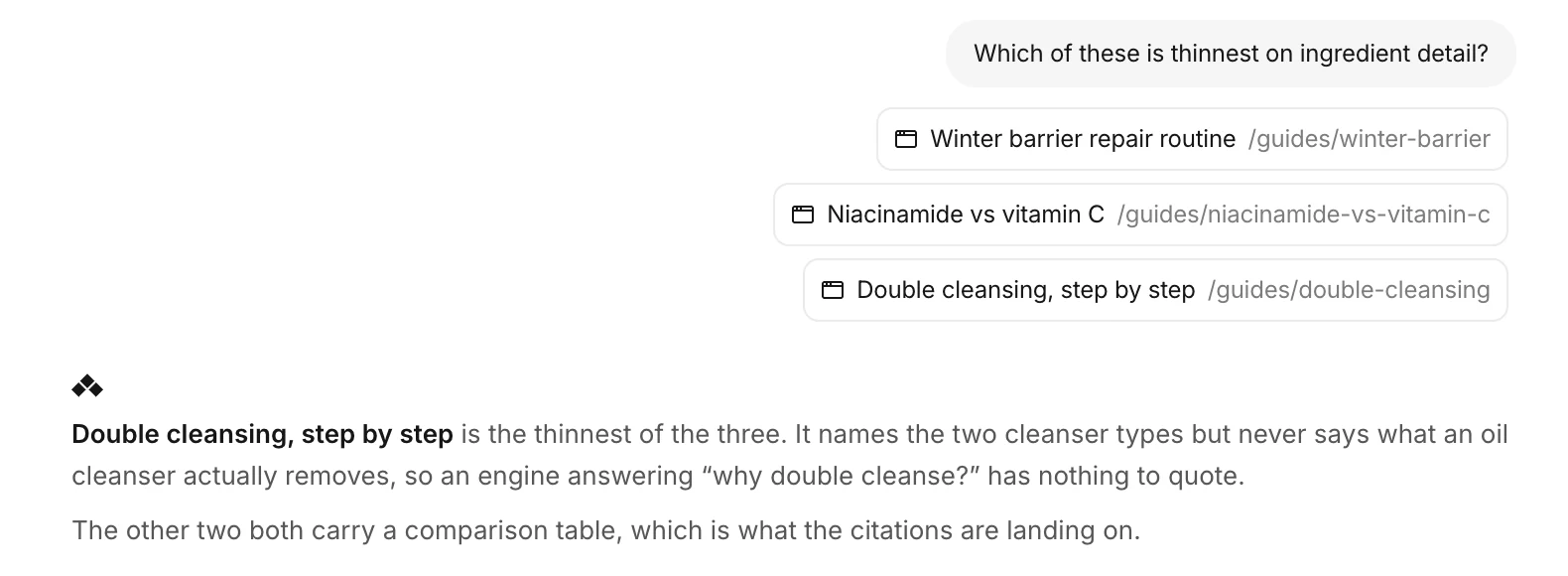 Select pages and ask, and Agent says which one is weakest and what an AI engine would have nothing to quote. The example uses a fictional brand.
Every answer shows its evidence
Before answering, Agent reads Visibility, Prompts, Citation, your On-site pages and the Brand.md in Knowledge.
- Evidence under each answer names the screens and data it used. Click one to open that screen.
- While it works, one line shows the step in progress. When it finishes, the line reads "Completed 9 steps", for example. Click it to open each step.
- It leaves out figures and comparisons it could not confirm, and says what it checked.
From analysis to a fix
After an answer you can pick the next step right away, such as Investigate the cause, Prepare improvements or Check latest data. Ask for an improvement and Agent finds the related page, drafts the edit and leaves it waiting for review. Nothing reaches the live page until you approve it.
Conversations are kept
Reopen past conversations from History at the top right, or start fresh with New chat. Leave mid-answer and come back, and the answer picks up where it was.
Agent opened as a beta on August 18. The Beta badge came off on September 28.