
Stop Manually Rewriting Feature Pages
Turn your GitHub releases into a marketing engine. Keep integration lists, comparison tables, and changelogs in perfect sync—without sacrificing control.
The "Content Drift" Problem
Your engineering team ships daily. Your marketing site updates monthly. This gap creates confusion, erodes trust, and hurts conversion.
Outdated Integrations
Developers add a new API endpoint or integration, but the "Integrations" page doesn't reflect it for weeks, costing you potential leads.
Stale "New" Features
Your "What's New" page lists features from 6 months ago as "New", making your active product look abandoned to prospective buyers.
Manual Drudgery
Product marketers spend hours copy-pasting from Jira or GitHub to the CMS, formatting text, and chasing screenshots.
The "Continuous Refresh" Workflow
Tag & Release
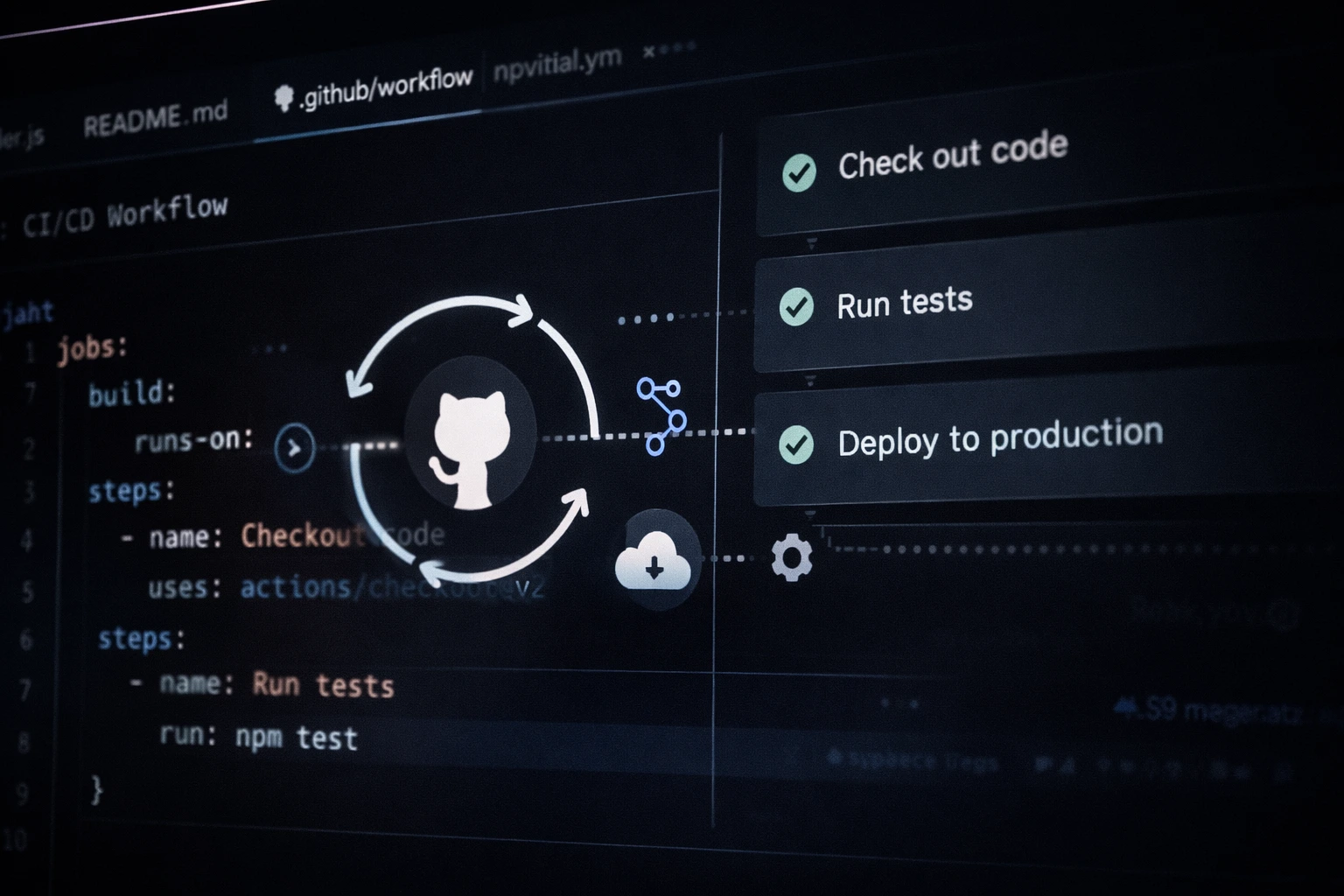
Engineers tag a release (e.g., v2.4.0) in GitHub. This event triggers a GitHub Action workflow specifically designed for marketing sync.
AI Translation
The workflow grabs commit messages and PR descriptions. An LLM (like GPT-4) summarizes technical jargon into benefit-focused marketing copy.
The Review Gate
Crucial Step: The update pauses. A notification is sent to Slack. A product marketer reviews the generated copy in GitHub and clicks "Approve".
Live Deployment
Upon approval, the content is pushed to your Headless CMS or triggers a site rebuild. Your "Features" and "Changelog" pages update instantly.


Reliability > Automation
"Fully hands-off" sounds great until an internal codename or a half-baked feature leaks to your homepage. That's why we prioritize Review Gates.
- GitHub Environments Native support for "Required Reviewers" ensures nothing goes live without a human check.
- Draft Mode by Default Updates can be pushed as "Drafts" to your CMS, allowing for final polish before publishing.
- Rollback Instantaneously Since your content is version-controlled, reverting a change is as simple as `git revert`.
Frequently Asked Questions
Do I need to be a developer to set this up?
Initial setup requires some developer knowledge (configuring GitHub Actions and API keys). However, once set up, the day-to-day operation is designed for marketers to simply review and approve content.
Can I edit the content before it goes live?
Yes. The "Review Gate" step allows you to edit the AI-generated summary. You can tweak the tone, fix errors, or add emphasis before approving the deployment.
Does this work with any CMS?
It works with any CMS that has an API (Contentful, Strapi, Sanity, WordPress via REST API) or any file-based system (Markdown/MDX for Astro, Next.js, Hugo).
How does this impact SEO?
Positively. Google rewards fresh content. By syncing releases, you are constantly adding relevant keywords (new feature names, technologies) and updating the "Last Modified" date of your pages, signaling relevance to search engines.
Ready to Automate Your Changelog?
Stop letting your marketing site fall behind your engineering velocity. Set up your sync pipeline today.